Get started
Set up your tracker
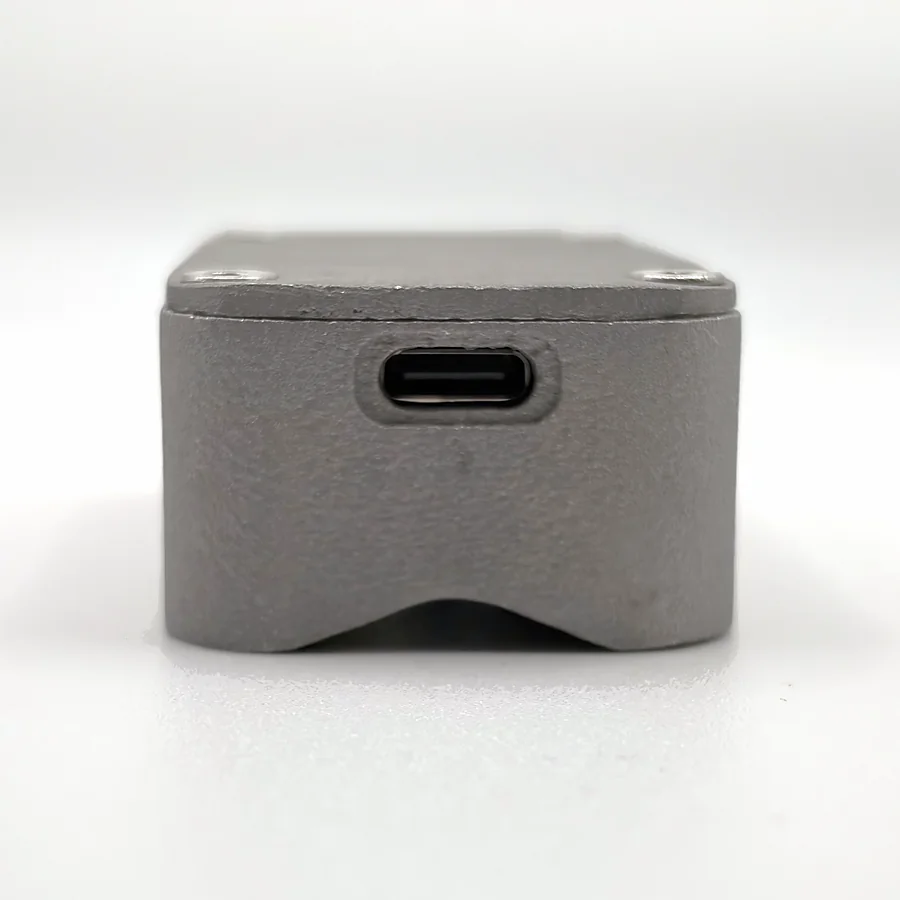
What you need
- An iPhone with iOS 17 or later. Android is in the works.
- The free NOMAE app. It's coming to the App Store soon.
- A gym machine with a steel weight stack. Which machines
In the box
The tracker and a USB-C cable.
Set it up
- Plug it in.
Use the USB-C cable and a standard 5 V USB power source. That wakes it up.
- Pair it.
Turn on Bluetooth, open the app, go to Settings → Tracker and follow the prompts.
- Put it on the stack.
Unplug it first, then put it on the side of the top plate of the moving weight stack. Where it goes
- Lift.
Pick the exercise and set the weight in the app. The tracker follows the stack.
After that, the app connects to your tracker by itself whenever it's awake and nearby. You don't need an account.